Turn Simple Words Into Irresistible Canva AI Masterpieces In Minutes.
Right now, millions of Canva users are typing random prompts and praying for good results.
Most end up with clumsy, amateur images that look like every other Canva newbie out there.
But a handful of people?
They know exactly what to type to make Canva spit out stunning, professional-level designs that look like they came from a $5,000 creative director.
Their secret isn’t “talent.”
It’s the prompt system you’re about to see.
What If…
Instead of hoping for magic…
You had a system that forces Canva AI to deliver exactly what you see in your head?
A latte that looks like it belongs in a Michelin-starred café ad.
A product shot sharp enough to sell $1,000 jewelry.
A dreamy pastel scene that could go viral on Instagram in seconds.
The first no-fluff playbook that turns anyone into a Canva AI pro.
one simple swap at a time.
This isn’t theory. This is copy-paste magic sentences, plug-in overlays, and emotional triggers that make your images unforgettable.
✅ Self-Prompt Framework – Start with my ready-made “magic sentences.” Just swap one word at a time and watch Canva give you polished, pro-grade images instantly.
✅ Signature Style Pack – Five designer “house styles” ready to drop into your prompts. Think of them as luxury outfits for your images just slip them on and hit generate.
✅ Story Seed Method – This is the emotional trigger. Add one tiny story element, and suddenly your designs feel alive, human, and impossible to ignore.
✅ Prompt + Style Merge Packs – 20 overlays that flip the mood of an image like Instagram filters on steroids. One swap = instant new vibe.
✅ Interactive Prompt Builder – Your Lego set for AI prompts. Pick blocks. Snap them together. Boom pro-level results in 30 seconds flat.
The “one word swap” that can make your design 10x more shareable overnight.
How to secretly borrow the look of $5,000 ad campaigns without hiring a designer.
The hidden trick that makes Canva images feel human instead of robotic.
Why 99% of Canva users waste their credits… and how you’ll never be one of them again.
How to instantly shift an image’s mood from “ordinary” → “luxury” → “dreamlike” with a single overlay.
The strange reason your prompts actually get better the longer you use them.
How to add one story detail that makes viewers feel the whole emotion of a scene.
The three most dangerous words that kill an AI image (and what to write instead).
Why Canva’s default results scream “amateur” and the single fix that flips them into “pro.”
The forgotten photography ingredient that forces Canva to add depth and drama to your outputs.
How to pull off a magazine-cover look in 15 seconds flat.
The single “swap” that can turn a plain coffee cup into a high-end branding shot.
How to make your designs trigger nostalgia, romance, or luxury on demand.
Why changing just the angle of your shot can make your product look 10x more expensive.
The overlooked lighting swap that transforms dull Canva renders into scroll-stopping masterpieces.
How to inject a fantasy or cinematic glow into any image without breaking it.
The secret difference between prompts that look “AI-generated”… and ones that look handcrafted by an artist.
How to build your own personal prompt library that grows more valuable with every image you create.
Other guides just hand you prompts.
But the second you want something different? You’re lost.
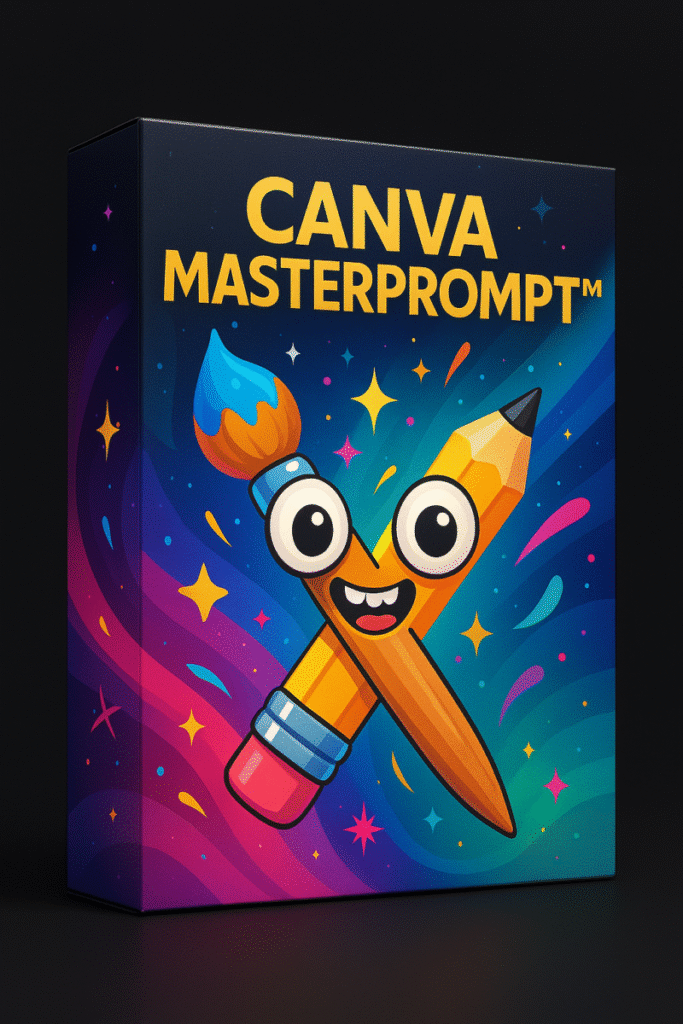
Canva MasterPrompt™ doesn’t give you fish it gives you the fishing rod, the bait, and the map to the best waters.
Now Imagine This…
Tomorrow, you open Canva.
You paste in one of these MasterPrompts.
And for the first time ever… you don’t cross your fingers.
You just know the result will look jaw-dropping.
That’s not just design.
That’s power.
Beginners who feel frustrated typing random Canva AI prompts and getting “meh” results.
Intermediate creators who’ve tried prompt packs or tutorials but still struggle to make images look professional.
Experienced entrepreneurs who want a repeatable framework to turn simple words into studio-grade visuals again and again.
If you’ve ever said:
“I wish I knew the right words to type into Canva…”
“I’m tired of wasting credits on bland, forgettable images…”
“I just want a step-by-step system that actually works every time…”
Then Canva MasterPrompt™ is for you.
Let’s be clear:
You could spend months (and burn through countless credits) trying to figure this out by trial-and-error…
Or you can grab the exact framework we’ve already built a system of 5 steps, proven swaps, overlays, and story triggers and start using it today.
The price for Canva MasterPrompt™ is a tiny fraction of what most creators waste on random prompt packs, design tools, or ads that never deliver.
And the return? It could be the difference between:
Posting the same generic images as everyone else.
Finally producing scroll-stopping Canva visuals that look premium, feel unique, and sell your message instantly.
This isn’t just a random pack of prompts.
It’s a complete 5-step creative framework designed to take you from guessing beginner to a confident creator producing images that look professional every single time.
The design world will always have noise.
Millions of Canva users will keep typing the same flat, generic prompts.
But the ones who rise above — the ones whose work gets noticed, shared, and admired are those who know how to control the magic of prompts.
And now, you have the blueprint.
Your designs won’t elevate themselves.
Claim your creative edge, forge your signature style, and watch your Canva images finally stand out today.
P.S. Every Canva prompt you waste is a missed chance to create something that stands out. Tomorrow, you’ll see the same old “meh” designs in your feed… or you’ll see your own scroll-stopping visuals stealing the spotlight. The choice is yours.
P.P.S. Canva MasterPrompt™ isn’t just another guide it’s the toolkit that makes your creativity unstoppable. One framework, five steps, endless results. Open it once, and you’ll never look at prompts (or your Canva outputs) the same way again.